
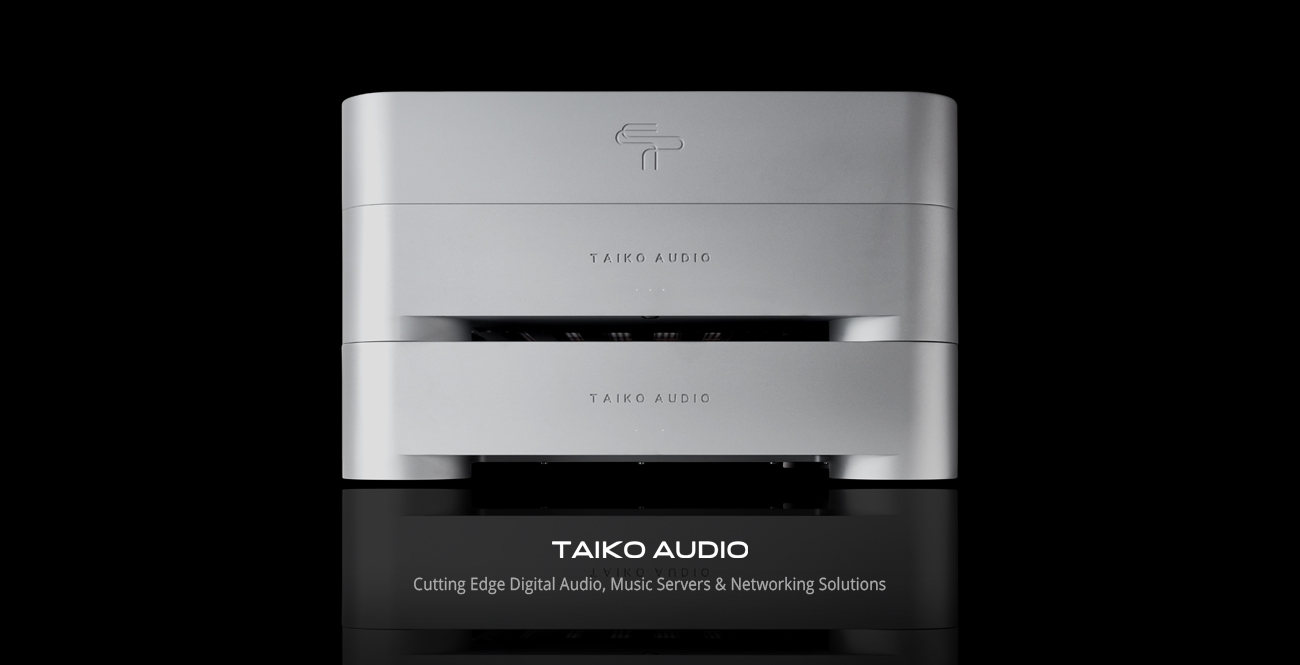
Introducing Olympus & Olympus I/O - A new perspective on modern music playback

I've heard from a few with the 360/Olympus 100-200 hours. Quite a difference as to Analog Out. As Mark, I'm just attempting to understand why the break-in time varies so much...I've never heard either together so I'm clueless...Just going by what I read and heard...

The break-in period is similar for all output options. There is a declining slope of relative improvement which, to me, is the most likely explanation of the reported differences
 
  • Like
Reactions: John T
...yes, but I was also trying to better understand if there was an additional component/receiver within the H360 itself. I recall units being shipped back home for mods. Relative to John T's enquiry, I wondered if an additional component changed the burn-in time. Cheers...

It does require circuitry changes and additional components inside the H360.
 
  • Like
Reactions: MarkusBarkus
The break-in period is similar for all output options. There is a declining slope of relative improvement which, to me, is the most likely explanation of the reported differences

I think you are referring to a warming burn curve non-linear?? Where the component gets worse twice or a few times before it stabilizes and blossoms?? For Good...Is this what you are referring to?
 
Basically there is a mother card which all Olympus stand alone (no I/O) servers use. There are multiple daughter boards which attach to it including:

1 - digital (S/pdif; AES/EBU)
2 - Analog DAC
3 - Proprietary XDMI cards including Lampi, MSB, etc.

I assume all these are also used in the I/O.
XDMI always works on the basis of the Main XDMI Board, with an XDMI Daughter Board on top. The Main boards are by default in the Olympus and the Olympus I/O. The Daughter Boards can be plugged into the Main Boards either in the Olympus, or the Olympus I/O. When adding the I/O to the Olympus, two QSFP-DD cards are added in the server's XDMI slots to transport music and network data to and from the I/O. The I/O has QSFP-DD interfaces natively, in addition to a single XDMI Main Board, that can fit a single XDMI Daughter Board.
 
XDMI always works on the basis of the Main XDMI Board, with an XDMI Daughter Board on top. The Main boards are by default in the Olympus and the Olympus I/O. The Daughter Boards can be plugged into the Main Boards either in the Olympus, or the Olympus I/O. When adding the I/O to the Olympus, two QSFP-DD cards are added in the server's XDMI slots to transport music and network data to and from the I/O. The I/O has QSFP-DD interfaces natively, in addition to a single XDMI Main Board, that can fit a single XDMI Daughter Board.
Simplification would be appreciated Christiaan. So by adding the two QSFP-DD cards in the servers slots with the addition of the I/O how does this improve performance/SQ? I'm still attempting to understand the merits/improvements the I/O brings to the table...
 
Simplification would be appreciated Christiaan. So by adding the two QSFP-DD cards in the servers slots with the addition of the I/O how does this improve performance/SQ? I'm still attempting to understand the merits/improvements the I/O brings to the table...
The improvement is in the second set of BPSes in the I/O and the separation from noise that this configuration brings. The QSFP-DD connection transfers pure music data direct from the CPU with no alteration or degradation. It also carries the network signal so that the network card can be situated in the I/O.

Simply put:

Olympus Server has two BPSes:
- One for the OS
- One for the XDMI output

Olympus + I/O provides four BPSes in total:
- One for the OS
- One for the QSFP-DD music data and network connections
- One for the Network Card
- One for the XDMI music output card
 
The improvement is in the second set of BPSes in the I/O and the separation from noise that this configuration brings.

Simply put:

Olympus Server has two BPSes:
- One for the OS
- One for the XDMI output

Olympus + I/O provides four BPSes in total:
- One for the OS
- One for the QSFP-DD music data and network connections
- One for the Network Card
- One for the XDMI music output card

We're working on a very nice PPT/PDF presentation with clear information and illustrations, that will make all this a lot easier to understand. It's almost ready, we're just fine-tuning it as we speak.
 
  • Like
Reactions: Armsan
Preview of one of the pages in the upcoming PPT/PDF document, illustrating what the I/O addition brings.

1739977880348.png
 
The improvement is in the second set of BPSes in the I/O and the separation from noise that this configuration brings. The QSFP-DD connection transfers pure music data direct from the CPU with no alteration or degradation. It also carries the network signal so that the network card can be situated in the I/O.

Simply put:

Olympus Server has two BPSes:
- One for the OS
- One for the XDMI output

Olympus + I/O provides four BPSes in total:
- One for the OS
- One for the QSFP-DD music data and network connections
- One for the Network Card
- One for the XDMI music output card
So by means of separation essentially your reducing processing from entering the input/output cards...
 
The improvement is in the second set of BPSes in the I/O and the separation from noise that this configuration brings. The QSFP-DD connection transfers pure music data direct from the CPU with no alteration or degradation. It also carries the network signal so that the network card can be situated in the I/O.

Simply put:

Olympus Server has two BPSes:
- One for the OS
- One for the XDMI output

Olympus + I/O provides four BPSes in total:
- One for the OS
- One for the QSFP-DD music data and network connections
- One for the Network Card
- One for the XDMI music output card
Thanks Cristiaan for the simple explanation on what the I/O brings to the party, that’s what I think we were all looking for.
 
Also more BPS...
 
So by means of separation essentially your reducing processing from entering the input/output cards...
There's a bit more to it that that but, indeed, this arrangement allows the Network Card and the XDMI output cards the most ideal environment.
 
  • Like
Reactions: John T
I would imagine by limiting processing your also limiting noise from entering...which makes the situation even more quieter...
 
I’m ready for the cool wave pattern chassis in black with silver undercoat. Maybe Taiko has a few spares lying about the place? Think of it as unique wood grain.
 
Anyone notice that the XDMI charging led (left one) is flashing faster in the last week or so when charging?

Mine definitely is flashing faster....

Also, FYI, my Olympus is playing approx 13hours/day. The XDMI charge starts at midnight and stops in 5.5 hours, almost to the minute. This is with MSB/XDMI card
 
  • Like
Reactions: DW101 and John T
The break-in period is similar for all output options. There is a declining slope of relative improvement which, to me, is the most likely explanation of the reported differences

@Taiko Audio Perhaps you missed my question: Is what you are explaining here a Non-Linear Burn-In curve?? In which the component sounds worse maybe 2-3 times before settling in for good and then stabilizing...
 
Okay? I was just attempting to understand why the different reported lengths of time before things settle in between the two applications I indicated...Now its crystal clear... ;)
 
  • Like
Reactions: Taiko Audio

About us

  • What’s Best Forum is THE forum for high end audio, product reviews, advice and sharing experiences on the best of everything else. This is THE place where audiophiles and audio companies discuss vintage, contemporary and new audio products, music servers, music streamers, computer audio, digital-to-analog converters, turntables, phono stages, cartridges, reel-to-reel tape machines, speakers, headphones and tube and solid-state amplification. Founded in 2010 What’s Best Forum invites intelligent and courteous people of all interests and backgrounds to describe and discuss the best of everything. From beginners to life-long hobbyists to industry professionals, we enjoy learning about new things and meeting new people, and participating in spirited debates.

Quick Navigation

User Menu

Steve Williams
Site Founder | Site Owner | Administrator
Ron Resnick
Site Owner | Administrator
Julian (The Fixer)
Website Build | Marketing Managersing